
Every application eventually sends email: confirmation links, one-time passcodes, password resets, receipts. And every one of those messages is judged, before a human ever sees it, by the reputation of the IP address it was sent from. Two apps can send byte-for-byte identical email and one lands in the inbox while the other lands in spam - purely because of where it came from on the network.
If you already work with IP data, this will feel familiar: the same signals that describe an IP for geolocation and abuse detection - its ASN, its network owner, whether it belongs to a datacenter, whether it sits on a blocklist - are exactly the signals mailbox providers use to decide whether to trust your mail.
What "IP reputation" actually means
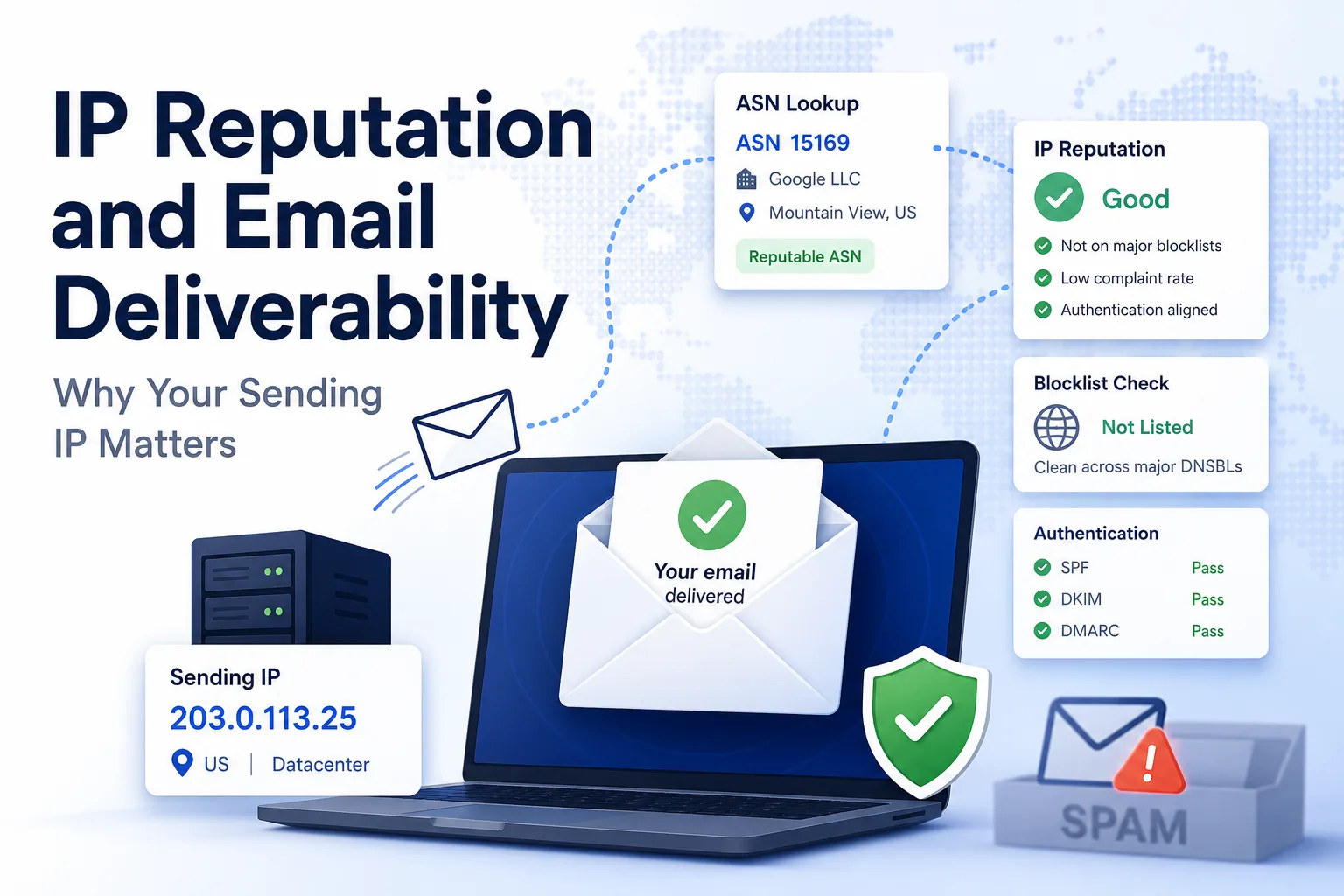
Mailbox providers like Gmail and Outlook keep a running score for every sending IP. That score is shaped by:
- Sending history - complaint rates, bounce rates, spam-trap hits, and volume consistency over time.
- The network the IP lives on - its ASN and owner. A dedicated IP inside a reputable email provider's ASN is treated very differently from one inside a generic cloud datacenter range.
- Blocklist status - whether the IP appears on DNSBLs such as Spamhaus. A single listing can tank delivery across many providers at once.
- Authentication - whether SPF, DKIM, and DMARC line up with the sending IP.
The first three are all network facts about an IP, and they are the same facts an IP intelligence API surfaces every day.
Inspecting a sending IP
Before you debug a deliverability problem, find out what the receiving side sees. Pull the sending IP out of your provider's headers (or your SMTP relay) and look it up:
- IP to ASN tells you which Autonomous System and network owner the IP belongs to. If your "email" IP resolves to a raw compute datacenter rather than a mail provider, that is a red flag.
- ASN Lookup shows the organization behind the network and its route - useful for confirming whether you are sending from a shared pool or a dedicated range.
Not sure what an ASN is or why it matters here? See What Is ASN, Anyway? for the background.
For deeper automation you can hit the API directly:
curl -X GET "https://api.theipapi.com/v1/ip/YOUR_SENDING_IP?api_key=YOUR_API_KEY"
The response includes the ASN, network owner, geolocation, and datacenter classification - enough to reason about whether an IP is a sensible place to send mail from in the first place.
Shared vs. dedicated IPs
Most apps start on a shared IP pool at their email provider, where reputation is averaged across many senders. That is fine at low volume, but you inherit your neighbors' behavior. As you scale, a dedicated IP gives you a reputation you fully control - at the cost of having to warm it up by slowly ramping volume so providers learn to trust it. Knowing the ASN and network your provider assigns you is the first step in understanding which situation you are in.
Reputation gets you delivered - email testing proves it
Understanding reputation tells you an email should arrive. It does not tell you that your code actually sent the right message to the right address with the correct link or code inside it. That is a separate, and surprisingly flaky, problem to test.
Automated email testing for signup, OTP, and password-reset flows means waiting for a real message to show up, then reading it - and naive sleep(5) polling makes those tests slow and unreliable. This is exactly the problem our team built MailFixture to solve: disposable email inboxes for your test suite. A test creates a fresh inbox over the API, triggers the signup, and long-polls until the message arrives - no retry loops - with one-time codes and verification links already extracted as structured fields, so there is no regex to maintain. It plugs into Playwright, Cypress, pytest, and Selenium, which turns the email step of a flow into just another assertion.
Reputation is what gets the message delivered; email fixtures in your test suite are what prove your app sent the right one.
Putting it together
- Extract the IP your mail is actually sent from.
- Look up its ASN, owner, and datacenter status to sanity-check the network's reputation.
- Check it against major blocklists and confirm SPF/DKIM/DMARC alignment.
- Decide between a shared pool and a warmed dedicated IP as you scale.
- Test the flows end-to-end with disposable email inboxes for automated testing so a delivered email is also the correct email.
Network reputation and deliverability are two sides of the same coin, and both are inspectable. Try The IP API to look up the ASN, owner, and datacenter classification behind any sending IP in a single request.